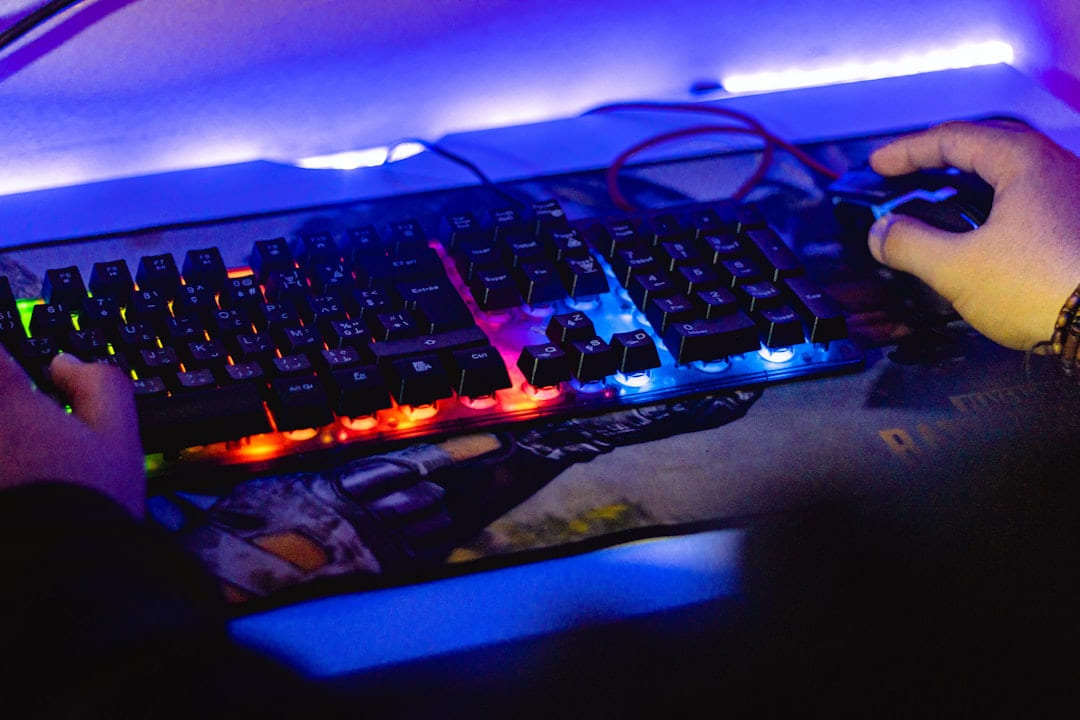
For Budget PC Builds, the practical goal is to connect the idea to choices that fit your time, budget, and comfort level.
1. Motherboard: $80 - $150 (PC Builds)
The motherboard connects all your components. For Ryzen 5600/7600, a B450 or B550 chipset motherboard will be sufficient and significantly cheaper than higher-end options. Look for features like sufficient USB ports, M.2 slots for fast SSDs, and good VRM (Voltage Regulator Module) quality - this ensures stable power delivery to the CPU. For Intel, a B660 motherboard is a solid choice. Don’t overspend here; a decent budget board will do the job perfectly well.
2. RAM (Random Access Memory): $60 - $100
16GB of RAM is the sweet spot for modern gaming. Aim for a speed of at least 3200MHz. DDR4 is still the most cost-effective option in 2026, but DDR5 is becoming more affordable. Check your motherboard’s compatibility before purchasing. Buying a kit (2x8GB) is generally cheaper than buying two separate sticks.
3. GPU (Graphics Processing Unit): $300 - $600
This is arguably the most important component for gaming. In the budget category, the Nvidia GeForce RTX 3060 and AMD Radeon RX 6600 are consistently top performers. The RTX 3060 offers DLSS (Deep Learning Super Sampling) support, which can boost frame rates in supported games. The RX 6600 is often slightly cheaper and performs similarly in many titles. Keep an eye out for sales - GPU prices fluctuate considerably.
4. Storage: $70 - $150
A 1TB NVMe SSD is highly recommended for your operating system and games. NVMe SSDs are significantly faster than traditional SATA SSDs. If you need more storage, consider adding a larger HDD (Hard Disk Drive) for storing less frequently accessed files. Don't skimp on storage - a slow drive will bottleneck your entire system.
5. Power Supply (PSU): $60 - $100
A reliable PSU is crucial for system stability. Choose a unit with enough wattage to handle all your components, with some headroom for future upgrades. Aim for at least 550W for a mid-range build. Look for 80+ Bronze certification or higher for efficiency. Don’t buy the cheapest PSU you can find - it’s an investment in the longevity of your system.
6. Case: $50 - $100
The case is primarily for aesthetics and airflow. Choose a case that fits your motherboard size and has good ventilation. Don’t spend a fortune here; a basic but functional case will suffice.
Smart Shopping Strategies for Budget Builds (PC Builds)
Now that you know what to buy, let’s talk about how to get the best deals. Here are a few tips:
- Monitor Prices Regularly: Use websites like PCPartPicker () to track prices and compare deals.
- Look for Sales and Bundles: Retailers frequently offer discounts on components, especially during holidays and special events.
- Consider Refurbished Components: Reputable sellers often offer refurbished components at significantly reduced prices. Just make sure they come with a warranty.
- Buy in Bulk (Where Possible): If you’re buying RAM or SSDs, consider purchasing larger quantities to take advantage of volume discounts.
- Don’t Be Afraid to Wait: Component prices fluctuate. If you’re not in a hurry, you can wait for a better deal.
Example Budget Builds (Late 2026)
Here are a couple of example builds to give you an idea of what’s possible:
Build 1: 1080p Gaming ($850 - $1050)
- CPU: AMD Ryzen 5 5600 ($160)
- Motherboard: B450 ($90)
- RAM: 16GB DDR4 3200MHz ($70)
- GPU: AMD Radeon RX 6600 ($320)
- SSD: 1TB NVMe SSD ($80)
- PSU: 550W 80+ Bronze ($70)
- Case: ($60)
Build 2: 1440p Gaming ($1400 - $1700)
- CPU: AMD Ryzen 5 7600 ($220)
- Motherboard: B660 ($130)
- RAM: 16GB DDR5 5200MHz ($90)
- GPU: Nvidia GeForce RTX 3060 ($330)
- SSD: 1TB NVMe SSD ($80)
- PSU: 650W 80+ Bronze ($80)
- Case: ($80)
Focus on the part that solves the problem
In a topic like PC hardware and gaming gear, the strongest starting point is usually the one you will notice and use right away. That is often more helpful than adding extra features too early.
Before spending more, it is worth checking the setup, upkeep, and learning curve. Small hassles matter here because they are usually what decide whether something stays useful or gets ignored.
It is easy to underestimate how much clarity comes from removing one unnecessary layer. In practice, trimming one complication often does more for Budget PC Builds than adding one more feature, one more product, or one more clever workaround.
Where extra features get in the way
Another easy trap is copying a setup that made sense for someone with a different routine, budget, or tolerance for maintenance. In PC hardware and gaming gear, that mismatch is often what makes a promising idea feel frustrating later.
A lot of options sound great until you picture them in a normal week. If the setup is fussy, the routine is easy to forget, or the maintenance is annoying, the appeal fades quickly.
There is also value in keeping one part of the process deliberately simple. Readers often do better when they identify the one decision that carries the most weight and make that choice carefully before they chase smaller optimizations. That keeps momentum steady and usually prevents the topic from turning into clutter.
What makes the choice hold up
A better approach is to break Budget PC Builds into smaller decisions and solve the highest-friction part first. Testing one practical change usually teaches more than trying to perfect everything in a single pass.
Leave a little room to adjust as you go. A setup that works in one budget range, season, or routine might need a small change later, and that is usually normal rather than a sign you got it wrong.
If this topic still feels crowded or overcomplicated, that is usually a sign to narrow the decision, not a sign that you need more noise. One careful adjustment, followed by honest observation, tends to teach more than another round of abstract tips.
How to keep the routine manageable
A grounded next step is usually better than a dramatic one. Pick one realistic change, see how it works in normal life, and let that result guide the next decision.
The version that holds up best is usually the one you can live with on an ordinary day. That often matters more than the version that only feels good when you have extra time, energy, or money.
That is why the best next step is often a modest one with a clear upside. You want something specific enough to act on, flexible enough to adjust, and practical enough that you would still recommend it after the first burst of enthusiasm fades.
What matters more than the sales pitch
Another useful filter is asking what you would still recommend if the budget got tighter, the schedule got busier, or the setup had to be easier for someone else to manage. The answers to that question usually reveal which advice is durable and which advice only works under ideal conditions.
If you want Budget PC Builds to hold up over time, choose the version you can actually maintain. That can mean spending less, leaving out an attractive extra, or simplifying the setup so it fits ordinary life.
You do not need the flashiest answer here. You need the one that fits your space, budget, and routine well enough that you will still feel good about it after the first week.
Final Thoughts
Building a custom PC on a budget is entirely achievable. By carefully selecting components, utilizing smart shopping strategies, and prioritizing performance per dollar, you can create a gaming rig that delivers an incredible experience without emptying your wallet. Don’t be intimidated - take your time, do your research, and enjoy the process! And remember, Frame Rate Vault is here to help you every step of the way. Happy building!
Keep This Practical
PC upgrades pay off most when they fix the bottleneck you actually feel in play. Start with the part that improves performance, cooling, or comfort in the way you notice every session.
Tools Worth A Look
If the article helped you narrow the hardware decision, the recommendations below are the most relevant next step.
- Gaming PC Case, ATX Cpmputer CASE with 7 PWM ARGB Fans Pre-InstalledLGIB Universal Gear Shifter & Handbrake Bracket for Racing Wheel Stand,Dual-Side Adjustable Bracket Compatible with Most Gaming Simulator SetupsLogitech G923 Racing Wheel and Pedals, TRUEFORCE up to 1000 Hz Force Feedback, Gaming Steering Wheel PS5, PS4, PC, Mac, Genuine Leather- BlackFIFINE Dynamic Microphone, XLR/USB Podcast Recording PC Microphone for Vocal Voice-Over StreamingPULSAR eS Gaming Arm Sleeve for Esports Gaming Compression Sleeve
Some of the links on this page are Amazon affiliate links, which means I may earn a small commission if you make a purchase through them. As an Amazon Associate, I earn from qualifying purchases.
Related ReadingMore from Frame Rate Vault
Budget PC Builds: Getting Started
Budget PC Builds can be easier to approach when you start with a few practical basics. GPU: 30-35% - The graphics powerhouse. Motherboard: 10-15% - Connects.

Budget PC Build Checklist: Your Starting Point
is easier to make sense of when you break it down into the part that matters most first. Instead of chasing every option at once, it usually helps to focus on what.
Budget PC Builds: Starting Your Gaming Rig
Building Your First Budget Gaming PC in 2026: A Practical Guide The feeling of putting together your own PC is surprisingly satisfying. It’s more than just.