
Building or upgrading a PC in 2026 is a thrilling prospect, offering incredible visual fidelity and performance thanks to the latest advancements in hardware. But with so many options and rapidly evolving technology, it’s easy to feel overwhelmed. This comprehensive checklist breaks down the key components and considerations, guiding you through the process whether you’re building a brand-new rig or simply refreshing an existing one. We’ll cover everything from the core hardware to the peripherals and software that will elevate your gaming experience. Let’s dive in!
1. The Core: CPU & GPU - Setting the Stage (Gear Checklist)
The CPU (Central Processing Unit) and GPU (Graphics Processing Unit) are the heart of your gaming machine. They dictate the overall performance and visual quality you’ll experience. Let’s break down some solid choices based on budget:
VRAM (Video RAM) is increasingly important. Modern games are demanding more and more memory. 8GB is becoming the bare minimum, and 12GB or 16GB is strongly recommended for smoother performance at higher resolutions and with demanding textures. Pay close attention to the VRAM specifications when choosing a GPU. Don’t just look at the raw performance numbers - consider how much memory the game actually uses.
2. Power, Cooling, and Case - The Foundation
Don’t skimp on the power supply (PSU). Calculate your system’s wattage needs - use a PSU calculator online (many are available for free - this is a good one) to get a rough estimate. Factor in headroom for future upgrades. Err on the side of caution and opt for a PSU with some extra wattage. 80+ Bronze certification is a minimum, Gold offers better efficiency (and quieter operation), and Platinum is the best - providing maximum efficiency and reliability. Modular PSUs make cable management significantly easier, reducing clutter and improving airflow.
Cooling is critical, especially with high-end components. Air coolers are generally more affordable and reliable, but liquid coolers (AIOs - All-in-One coolers) offer superior cooling performance and can be quieter, particularly for overclocking. Case fans are essential for airflow; prioritize airflow over just trying to make your case look cool. Invest in quality fans with good static pressure. GPU cooling is largely handled by the manufacturer, but aftermarket coolers can often improve temperatures and reduce noise, especially for high-end cards.
Finally, your case. Choose a case that fits your motherboard size (ATX, Micro-ATX, Mini-ITX), offers good airflow (mesh front panels are excellent), and has enough space for your components. Consider cable routing options and ease of access for maintenance.
3. Peripherals & Software - The Human Element
Let’s talk about the rest. A 1440p or 4K monitor with a high refresh rate (144Hz or higher) will dramatically improve your gaming experience. Response time is also important - look for monitors with low response times to minimize ghosting.
- IPS Panels: Offer the best color accuracy and viewing angles - ideal for competitive gaming and visually stunning games.
- OLED and Mini-LED Monitors: Pushing the boundaries of visual quality with incredible contrast and vibrant colors, but they come at a premium price.
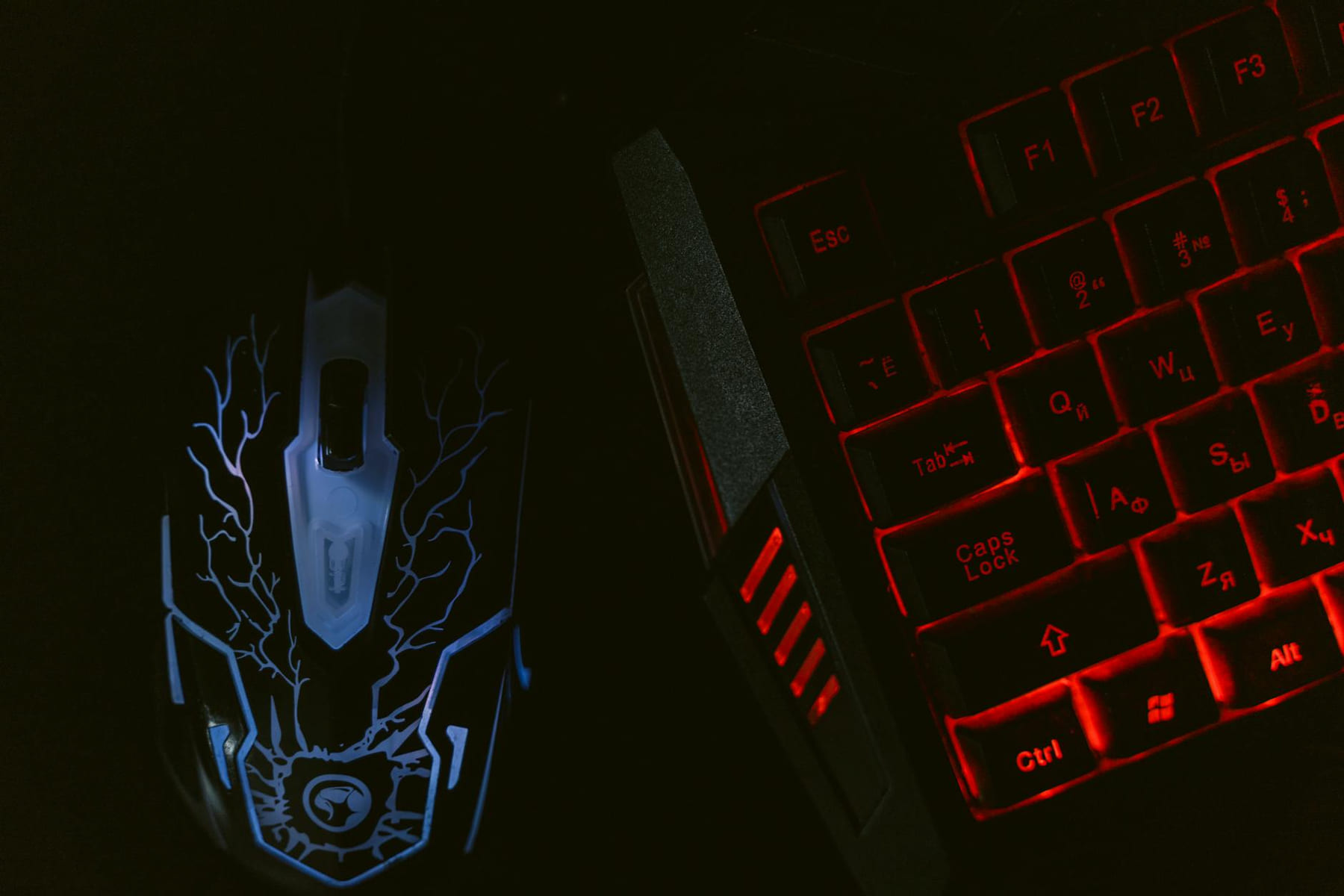
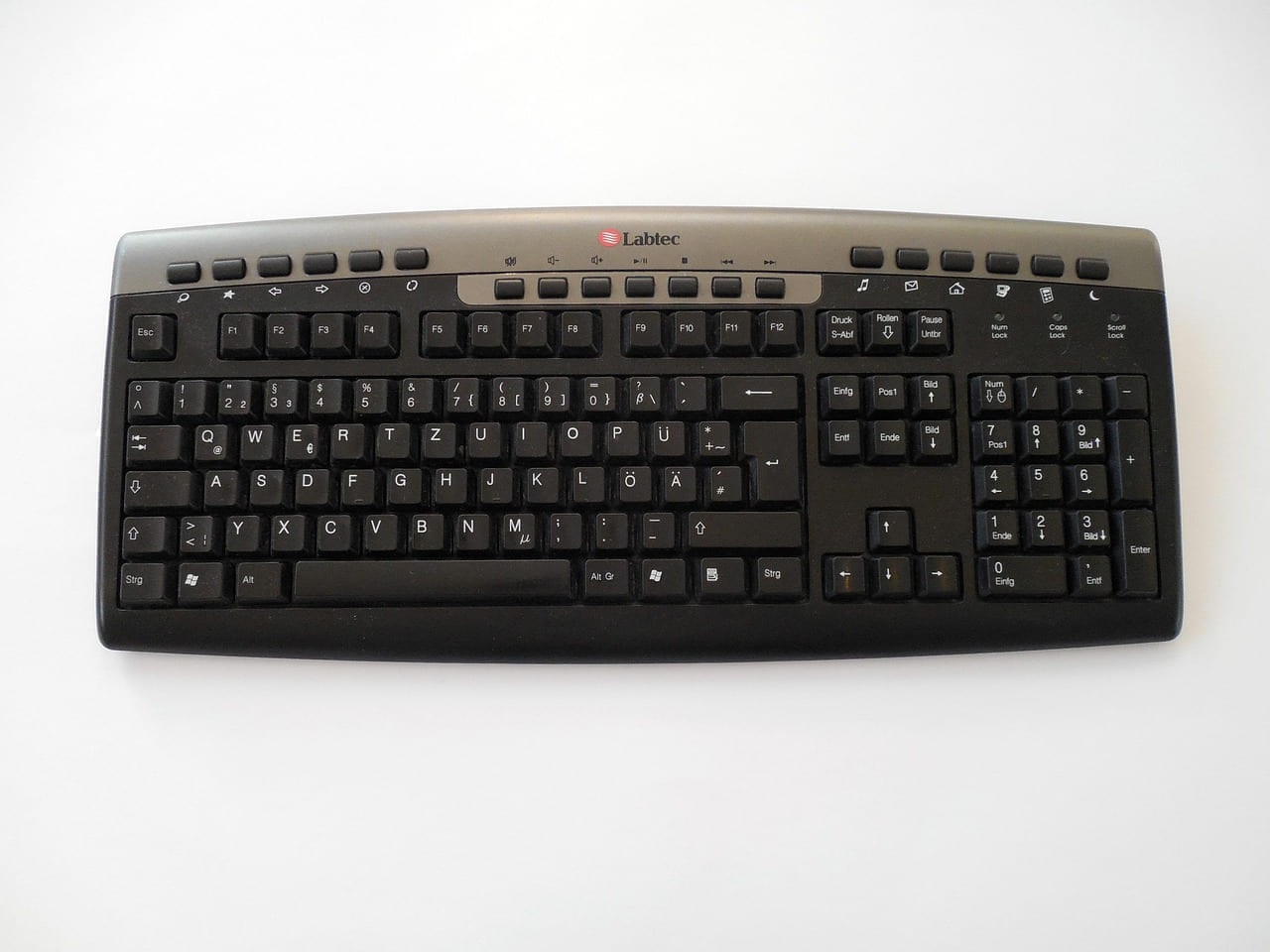
A decent keyboard and mouse are essential, but don’t feel pressured to spend a fortune. Ergonomics are important - consider your hand size and grip style. Wireless keyboards and mice offer convenience, but wired connections can reduce latency (though the difference is often negligible for most gamers). A headset with good audio quality and a clear microphone is a must for online gaming. And don’t forget a controller - Xbox, PlayStation, and PC-specific controllers all have their strengths. Consider a dedicated gaming headset for the best audio experience.
Windows 11 is the current standard, but ensure your drivers are up-to-date and your BIOS is flashed for optimal performance. Regularly update your operating system and drivers to take advantage of the latest performance improvements and bug fixes.
4. Future-Proofing & Budgeting - Investing in Tomorrow
Building a PC is an investment. Consider future upgrades when making your decisions. PCIe 5.0 is becoming more common, and AV1 video decoding will become increasingly important for streaming and video content. AV1 is a royalty-free video codec that offers significantly better compression than H.264, leading to smaller file sizes and higher quality streams.
As for budgeting, a rough guideline might be: 30% GPU, 20% CPU, 15% Motherboard, 10% RAM, 10% Storage, 10% PSU/Cooling, 5% Case/Peripherals. Of course, this is just a starting point - adjust based on your priorities and budget. If you’re primarily focused on gaming, you might prioritize the GPU and monitor, while someone interested in streaming might invest more in the CPU and storage.
5. Emerging Technologies to Watch (2026)
Beyond the core components, several emerging technologies will significantly impact PC gaming in the coming years.
- Ray Tracing Advancements: Expect continued improvements in ray tracing performance and efficiency, making it more accessible to a wider range of hardware.
- DirectStorage: Microsoft’s DirectStorage technology will dramatically reduce loading times and improve overall game performance by allowing the GPU to directly access storage.
- Cloud Gaming Integration: While still developing, cloud gaming services are becoming more viable, offering the potential to play demanding games on lower-end hardware.
Pick the easiest win first
Most people get better results with Level Up Your PC: A Gear Checklist when they narrow the decision to one real problem. That could be saving time, trimming cost, reducing friction, or making the routine easier to keep up.
This usually gets easier once you make a short list of priorities. A tighter list tends to produce better decisions than trying to solve every possible problem at once.
Another useful filter is asking what you would still recommend if the budget got tighter, the schedule got busier, or the setup had to be easier for someone else to manage. The answers to that question usually reveal which advice is durable and which advice only works under ideal conditions.
The tradeoff most people notice late
One common mistake with Level Up Your PC: A Gear Checklist is expecting every option to solve the whole problem. In reality, some choices are better for convenience, some for reliability, and some simply for keeping the budget under control.
Before spending more, it is worth checking the setup, upkeep, and learning curve. Small hassles matter here because they are usually what decide whether something stays useful or gets ignored.
It is easy to underestimate how much clarity comes from removing one unnecessary layer. In practice, trimming one complication often does more for Level Up Your PC: A Gear Checklist than adding one more feature, one more product, or one more clever workaround.
Wrapping Up
Building or upgrading a PC in 2026 doesn’t have to be a daunting task. By prioritizing your components, understanding the key technologies, and setting a realistic budget, you can build a system that delivers the gaming experience you’re looking for. Use this checklist as a starting point, do your research, and don’t be afraid to ask for advice. Explore Frame Rate Vault for more in-depth hardware reviews and guides to help you make informed decisions. We’ll continue to update this checklist as new technologies emerge and hardware evolves - stay tuned!
Keep This Practical
A better setup usually comes from one smart hardware decision at a time. Match the upgrade to your games, monitor, and budget instead of chasing every enthusiast talking point.
Tools Worth A Look
The products here work best for readers who want performance, comfort, or setup improvements with a clear gaming payoff.
- Razer Wolverine V3 Pro 8K PC Wireless Gaming Controller: 8000 Hz Polling RateSTGAubron Gaming PC Desktop Computer, Intel i7 Xeon E5 3.0GHz, Radeon RX 550 4G, 16GB RAM, 512GB SSD, WiFi 6, BT 5.0, RGB Fan x3, Windows 11 HomeSTGAubron Gaming PC Desktop Computer, Intel Core i7 up to 3.9GHz, Radeon RX 580 8G, 32GB RAM, 512GB SSD, WiFi 6, BT 5.0, RGB Fan x3, Windows 11 Home, WhiteRitz Gear Red & Blue Gaming Keyboard Kit ComboGEARit Cat 6 Ethernet Cable Pack
Some of the links on this page are Amazon affiliate links, which means I may earn a small commission if you make a purchase through them. As an Amazon Associate, I earn from qualifying purchases.
Related ReadingMore from Frame Rate Vault

PC Hardware FAQs: Your Burning Questions Answered
PC Hardware and Gaming Gear FAQ - Frame Rate Vault Welcome to Frame Rate Vault! We’re here to help you navigate the sometimes overwhelming world of PC hardware.
Budget PC Gaming: Gear & Smart Tips
is easier to make sense of when you break it down into the part that matters most first. Instead of chasing every option at once, it usually helps to focus on what.
PC Hardware FAQs: Your Gaming Gear Questions Answered
PC Hardware and Gaming Gear FAQ - Frame Rate Vault Welcome to Frame Rate Vault! We’re here to help you navigate the sometimes overwhelming world of PC hardware.