
Common Mistakes can be easier to approach when you start with a few practical basics. So, you’re taking the plunge and building your own PC. Fantastic! It’s an incredibly rewarding experience - you get exactly what you want, you save money (usually!), and you gain a deep understanding of how your gaming rig actually works. But let’s be honest, building a PC isn’t always a walk in the park. Even experienced builders can stumble, and new builders can easily fall into common traps. This guide aims to arm you with the knowledge to avoid those pitfalls, ensuring a smooth build and a happy, powerful machine. We’ll cover everything from initial planning to the final touches, focusing on the mistakes that can really derail your project.
1. Planning is Paramount: Don’t Just Throw Parts Together (Common Mistakes)
Before you even think about opening a box, meticulous planning is crucial. Too many builders jump straight into ordering components, driven by hype or a desire to spend as much as possible. This almost always leads to problems. Start with a clear goal: what games do you want to play at what resolution and settings? What other tasks will you be using the PC for (video editing, streaming, etc.)? This dictates your budget and component choices.
Here’s a practical example: Let’s say you want to play Cyberpunk 2077 at 1440p with ray tracing. That’s a demanding setup. Simply throwing together the most expensive graphics card won't guarantee a smooth experience. You’ll need a powerful CPU, ample RAM, and a well-cooled system to prevent thermal throttling. A poorly chosen motherboard won't support your desired components, and a small power supply will struggle to deliver the necessary wattage.
Tools for Planning: Utilize PCPartPicker () - it’s an absolute lifesaver. It checks compatibility between components, estimates power consumption, and helps you find the best deals. Also, research benchmarks and reviews - don’t just rely on marketing hype. Watch build videos on YouTube to get a visual understanding of the process.
2. Case Compatibility: The Silent Killer
This is where many builds go south. Assuming your motherboard will fit in your chosen case is a huge mistake. Pay very close attention to the motherboard form factor (ATX, Micro-ATX, Mini-ITX) and ensure it’s compatible with the case’s motherboard tray size. Beyond that, consider the GPU length - a massive graphics card might not fit in a smaller case, even if the motherboard is compatible.
Don’t overlook: CPU cooler height. Some coolers, particularly air coolers, are incredibly tall. Check the case’s clearance specifications before purchasing a cooler. Also, consider cable management - a cramped case with tangled cables is a nightmare to work with and can negatively impact airflow.
3. Power Supply - Don't Skimp!
The power supply (PSU) is the heart of your system. It’s not an area to cut corners. A cheap, unreliable PSU can damage your components and lead to system instability. Calculate your system’s power requirements accurately using PCPartPicker. Then, add a buffer - aim for at least 20-30% headroom. A 650W PSU is often sufficient for a mid-range gaming build, but a high-end system with a powerful GPU might need 850W or more.
Quality Matters: Look for PSUs with 80+ Bronze, Gold, or Platinum certifications. These indicate efficiency and reliability. Read reviews - reputable brands like Seasonic, Corsair, and be quiet! are generally considered safe bets. Avoid "no-name" PSUs unless you’re on a very tight budget.
4. Thermal Management: Cooling is Key
Overheating is a common cause of performance issues and component failure. Ensure you have adequate cooling for your CPU and GPU. This might involve a high-quality air cooler or a liquid cooler (AIO or custom loop). Don't just rely on the stock cooler that comes with your CPU - it’s often insufficient for demanding tasks.
Airflow is crucial: Proper case airflow is just as important as component cooling. Install intake fans at the front and bottom of the case and exhaust fans at the rear and top. Consider fan placement and direction to create a consistent airflow path. Dust filters are also a good investment - they help keep your system clean and prevent dust buildup, which can reduce cooling efficiency.
5. Cable Management: Aesthetics and Performance
Tools for Cable Management: Cable sleeves can help bundle cables together and create a cleaner look. Magnetic cable ties are also a convenient option. Don't be afraid to cut excess cable length - a shorter cable is easier to manage.
6. The Operating System and Drivers: Don't Forget the Basics
Installing the operating system (Windows, Linux, etc.) and the latest drivers for your components is essential. review the OS from a legitimate source and ensure it’s compatible with your motherboard. review the drivers for your motherboard chipset, graphics card, network adapter, and other peripherals from the manufacturers’ websites. Outdated drivers can cause performance issues and instability.
7. Static Electricity - A Silent Threat
Static electricity can damage sensitive electronic components. Always ground yourself before handling any components. Wear an anti-static wrist strap or touch a grounded metal object (like the case) to discharge static electricity.
8. Testing and Troubleshooting
After completing the build, thoroughly test your system. Run stress tests to check for stability and overheating. Monitor temperatures using monitoring software like HWMonitor or MSI Afterburner. If you encounter any issues, don’t panic. Consult online forums and communities for help. Systematically troubleshoot the problem by checking connections, drivers, and component compatibility.
Conclusion: Building a PC is a Journey
Building a custom PC is a challenging but incredibly rewarding experience. By avoiding these common mistakes and taking the time to plan carefully, you can ensure a smooth build and a powerful machine that meets your needs. Remember to research, be patient, and don’t be afraid to ask for help. Happy building!
Keep This Practical
If the goal is smoother gaming, focus on the component or setting that delivers a clear quality-of-life improvement first. The rest of the build gets easier once the biggest friction point is handled.
Tools Worth A Look
These picks are the closest fit if you are trying to improve a setup without wasting money on upgrades you will not actually feel.
- Next Level Racing GTTrack Simulator Cockpit (NLR-S009)PXN V9 Gaming Racing Wheel pc Steering Wheel With Pedals and Shifter 270/900° Dual-Motor Feedback Driving gaming Racing Wheel for PC,PS4,PS3,Xbox One, Xbox Series X/S,N-SwitchSTGAubron Dual CPU Gaming PC Desktop, Dual Intel i7 Xeon E5 up to 3.7G, Radeon RX 580 8G, 16GB DDR4, 1TB SSD, WiFi 6, BT 5.0, RGB Fan x4, Windows 11 ProGaming Headset with Microphone for Pc, Xbox One Series X/s, Ps4, Ps5, Switch, Stereo Wired Noise Cancelling Over-Ear Headphones with MicAEXPXO Prebuilt Gaming PC Desktop, AMD Ryzen 7 5700X, RTX 5060 8GB GDDR7, 16GB DDR4 3200MHz, 1TB NVMe SSD, ARGB Cooler, WiFi, 550W Bronze PSU, Gaming Computer
Some of the links on this page are Amazon affiliate links, which means I may earn a small commission if you make a purchase through them. As an Amazon Associate, I earn from qualifying purchases.
Related ReadingMore from Frame Rate Vault
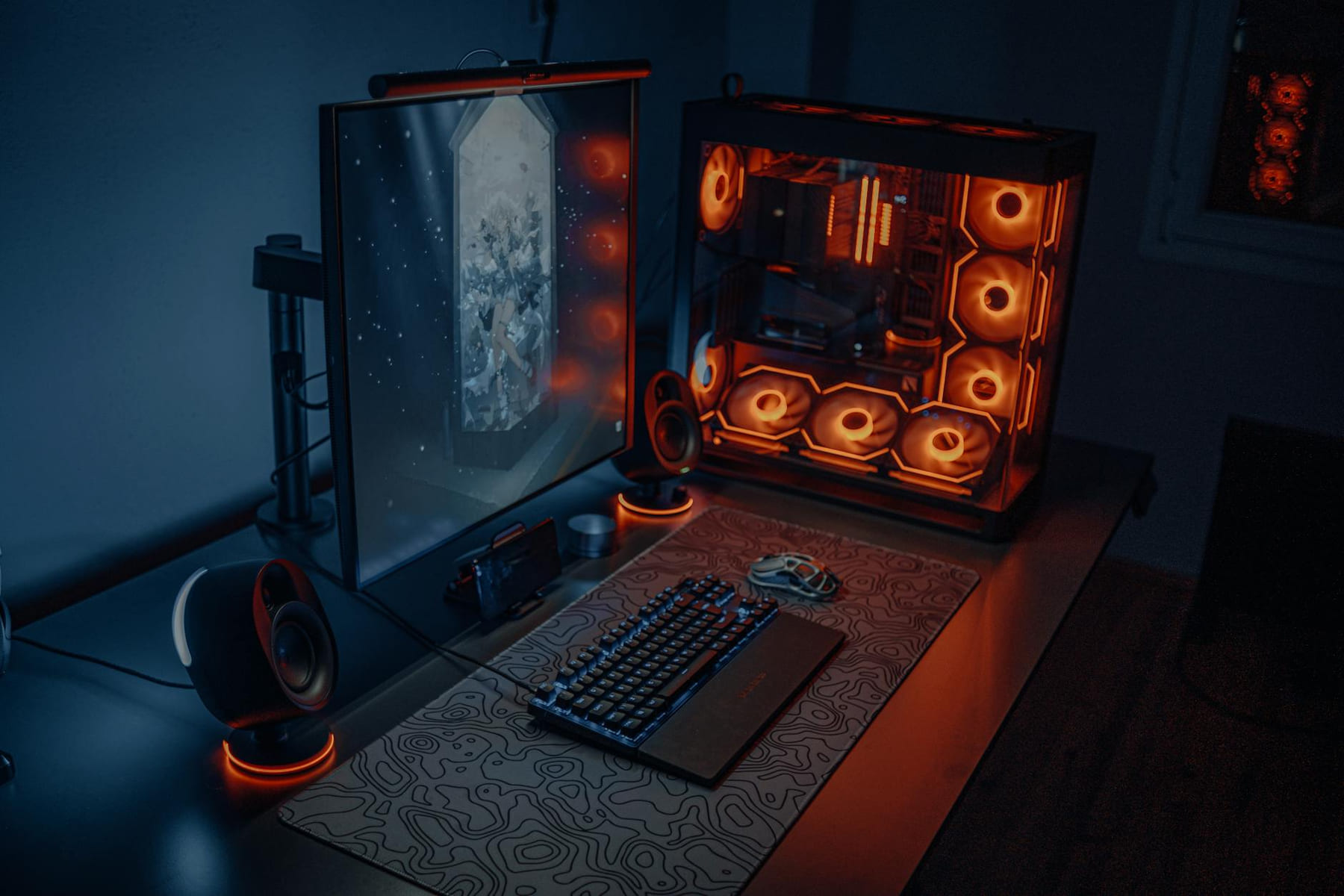
Building PCs: Guides vs. Ready-Made?
0, 24GB GDDR7, Remember to always consult PCPartPicker () for the most up-to-date compatibility information.
Building PCs: Your Frame Rate FAQs
0, 24GB GDDR7, Remember to always consult PCPartPicker () for the most up-to-date compatibility information.
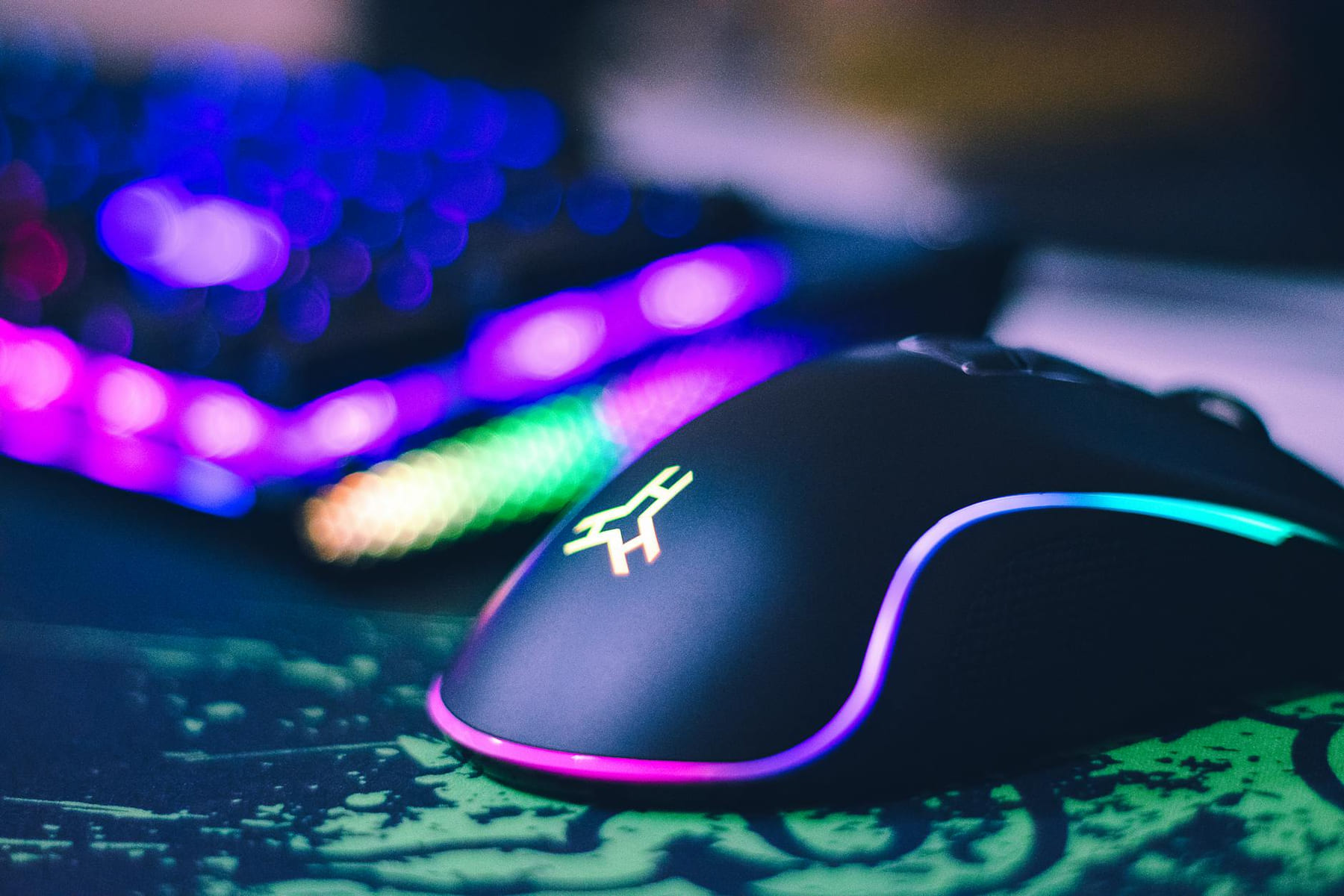
Level Up Your Setup: Gaming Peripherals
make a real difference when they improve comfort, control, and audio clarity. Here is how to think through mice, keyboards, and headsets without getting distr...