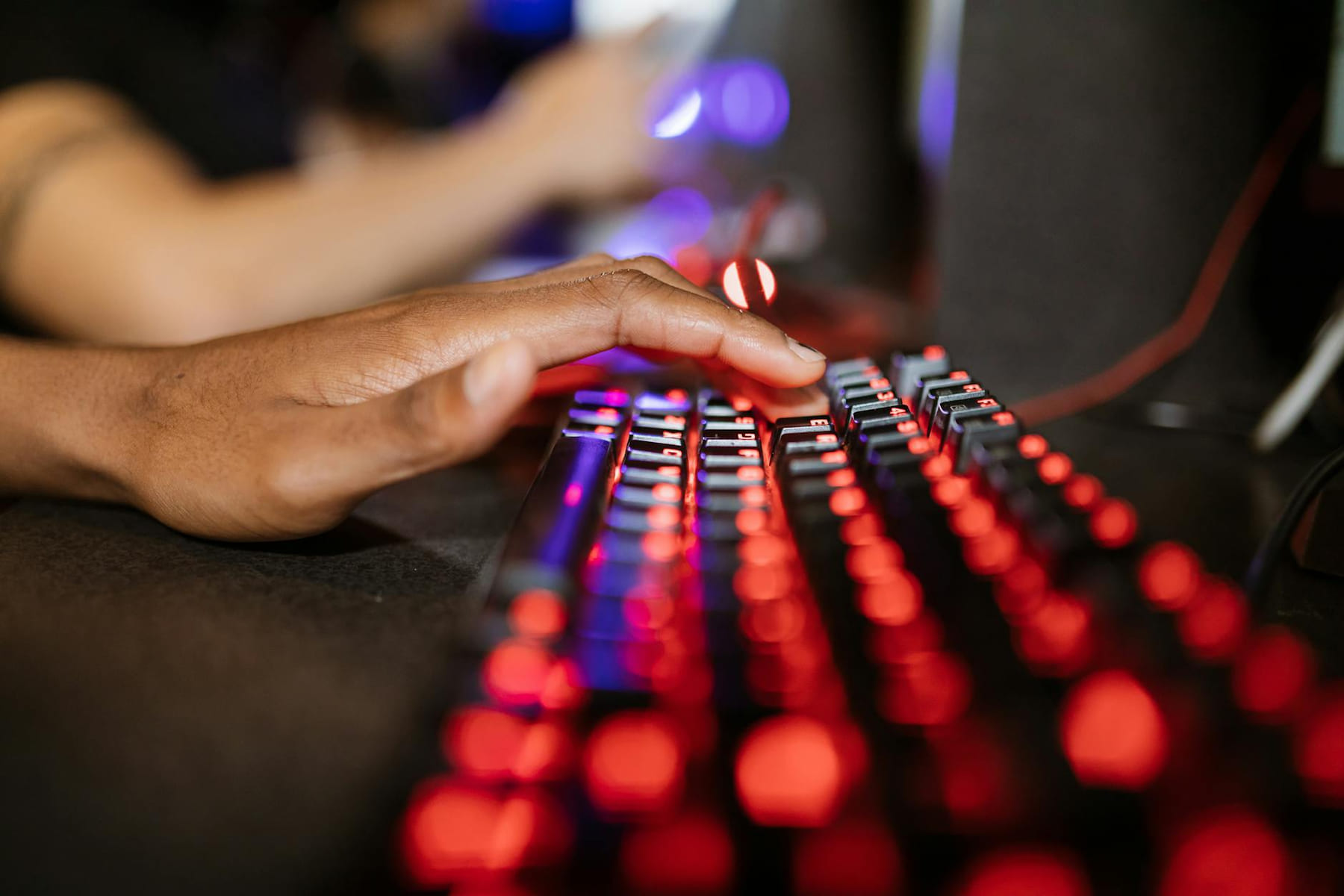
Let’s be honest, the idea of building your own PC can feel a little daunting at first. You’re staring at a collection of parts, reading about things like CPU sockets and RAM speeds, and wondering if you’re about to accidentally cause a short circuit. But trust me, it’s a really rewarding experience. Not only do you end up with a PC that’s perfectly suited to your gaming tastes and budget, but you also get a solid understanding of how all those components work together. And in 2026, having a PC that can actually keep up with the latest games is more important than ever. this post is designed to walk you through the process step-by-step, aiming for a solid, enjoyable gaming rig around the $800 to $1200 USD mark - something that won’t break the bank but will deliver a fantastic gaming experience.
Your PC’s Building Blocks
Let’s break down the essential pieces that make up a PC. Think of them like the instruments in an orchestra - each one plays a vital role, and you want to make sure they all work together harmoniously. * CPU (Central Processing Unit): This is essentially the brain of the operation, responsible for handling all the calculations and instructions. For gaming, you’ll want a CPU that balances core count and clock speed well. The AMD Ryzen 5 7600X is a great option for this budget - it offers excellent performance without a huge price tag.
- Motherboard: The motherboard is the central hub, connecting everything. It needs to be compatible with your chosen CPU (make sure the socket type matches!), your RAM, and any expansion cards you might want to add later. B650 chipset motherboards are a really good balance of features and price.
- RAM (Random Access Memory): RAM is your PC’s short-term memory. More RAM means you can run more applications and games simultaneously without things slowing down. 16GB is the sweet spot for gaming in 2026; DDR5 5200MHz is a good speed to aim for.
- GPU (Graphics Processing Unit): This is the most important component for gaming. It’s responsible for rendering the images you actually see on your screen. The NVIDIA GeForce RTX 3060 and AMD Radeon RX 7600 are both excellent mid-range choices that will handle most games at 1080p and even some at 1440p.
- Storage (SSD/HDD): SSDs (Solid State Drives) are much faster than traditional HDDs (Hard Disk Drives) and are essential for quick boot times and faster game loading. You’ll definitely want at least a 500GB SSD for your operating system and the games you play most often. You can always add a larger HDD later for storing less frequently used files.
- Power Supply (PSU): The PSU provides power to all your components. Don’t cut corners on this - a reliable PSU is crucial for stability and preventing problems down the road. A 650W 80+ Bronze certified PSU should be plenty for this build.
- Case: The case is where everything lives! Choose one with good airflow and enough space for your components.
- Cooler: CPUs generate heat, and a good cooler is essential to prevent overheating and performance slowdowns.
Choosing the Right Motherboard
Selecting the right motherboard can feel a little overwhelming. Compatibility is key - it needs to work with your chosen CPU, support the amount of RAM you’re planning to use, and have the expansion slots you might need for future upgrades. B650 chipset motherboards are a solid choice for Ryzen 7000 series CPUs. Pay attention to the number of M.2 slots - these are where you’ll install your fast SSDs. USB ports are also important; USB-C is becoming increasingly common and useful for connecting peripherals. Don’t get bogged down in every single feature; focus on what you actually need for your budget.
CPU & Cooler - Keeping Things Running Smoothly
The CPU is the workhorse, and a good cooler is absolutely vital. Without adequate cooling, your CPU will quickly overheat, leading to performance issues and potentially even damage. Air coolers are generally more affordable and easier to install, while liquid coolers offer better cooling performance but can be a bit more complex. For the Ryzen 5 7600X, a good air cooler like the Noctua NH-U12S or Be Quiet! Dark Rock 4 will do the trick. Liquid coolers are a good option if you’re aiming for the absolute best cooling performance and don’t mind the extra cost and potential complexity.
GPU - The Gaming Powerhouse
Let’s be real, for most gamers, the GPU is the component that makes the biggest difference. It’s what determines how smoothly you’ll be able to play your favorite games. Within the $800-$1200 budget, the RTX 3060 and RX 7600 are both excellent choices. VRAM (Video RAM) is also important - games are becoming increasingly demanding, and having enough VRAM ensures smooth performance at higher resolutions and settings. 8GB of VRAM is a good starting point, but 12GB is becoming increasingly desirable.
Assembly Steps - Building Your PC
Okay, let’s get to the fun part! Building a PC is a surprisingly satisfying experience. Here’s a simplified breakdown: 1. Prep Your Workspace: Clear a large, well-lit area. It’s a good idea to use an anti-static wrist strap to prevent damage to your components. 2. Install the CPU on the Motherboard: Carefully align the CPU with the socket and gently press it down. 3. Install the RAM: Insert the RAM sticks into the appropriate slots on the motherboard. 4. Mount the CPU Cooler: Attach the cooler to the CPU according to the manufacturer’s instructions. 5. Install the GPU: Insert the GPU into the PCIe slot on the motherboard. 6. Install Storage: Connect your SSD and/or HDD to the motherboard. 7. Install the Power Supply: Place the PSU in its bay and connect the necessary cables to the motherboard and other components.
9. Connect Monitor, Keyboard, Mouse: Finally, connect your peripherals and power on the PC. There are tons of excellent video tutorials on YouTube - search for "PC building guide 2026" for some great visual aids. Websites like PCPartPicker () are incredibly useful for ensuring compatibility and building your parts list.
Conclusion
Building your own PC in 2026 is absolutely achievable, even if you’re a complete beginner. It’s a fantastic way to get a PC perfectly tailored to your needs and budget, and you’ll gain a deeper understanding of how your hardware works. Don’t be intimidated by the process - take it one step at a time, do your research, and enjoy the journey. Ready to start your PC building adventure today? the recommendations below
Keep This Practical
If the goal is smoother gaming, focus on the component or setting that delivers a clear quality-of-life improvement first. The rest of the build gets easier once the biggest friction point is handled.
Tools Worth A Look
These picks are the closest fit if you are trying to improve a setup without wasting money on upgrades you will not actually feel.
- AULA F75 Pro Wireless Mechanical KeyboardPXN V99 PC Racing Wheel, Real Force Feedback Steering Wheel with Pedals and Shifter, Detachable 270/900 Degree Race Steering Wheel Simulator for PC, Xbox OneRedThunder K10 Wireless Gaming Keyboard and Mouse Combo, LED Backlit Rechargeable 3800mAh Battery, Mechanical Feel Anti-ghosting KeyboardIROK MU68PRO Rapid Trigger Magnetic Switch Keyboard, Aluminum CNC Frame 65% TKL Hot Swapped RGB Programmable Wired Gaming Keyboard for Win/Mac Gamer-WhiteFIFINE AmpliGame Stream Controller with 15 Macro Keys, Streaming Keyboard
Some of the links on this page are Amazon affiliate links, which means I may earn a small commission if you make a purchase through them. As an Amazon Associate, I earn from qualifying purchases.
Related ReadingMore from Frame Rate Vault
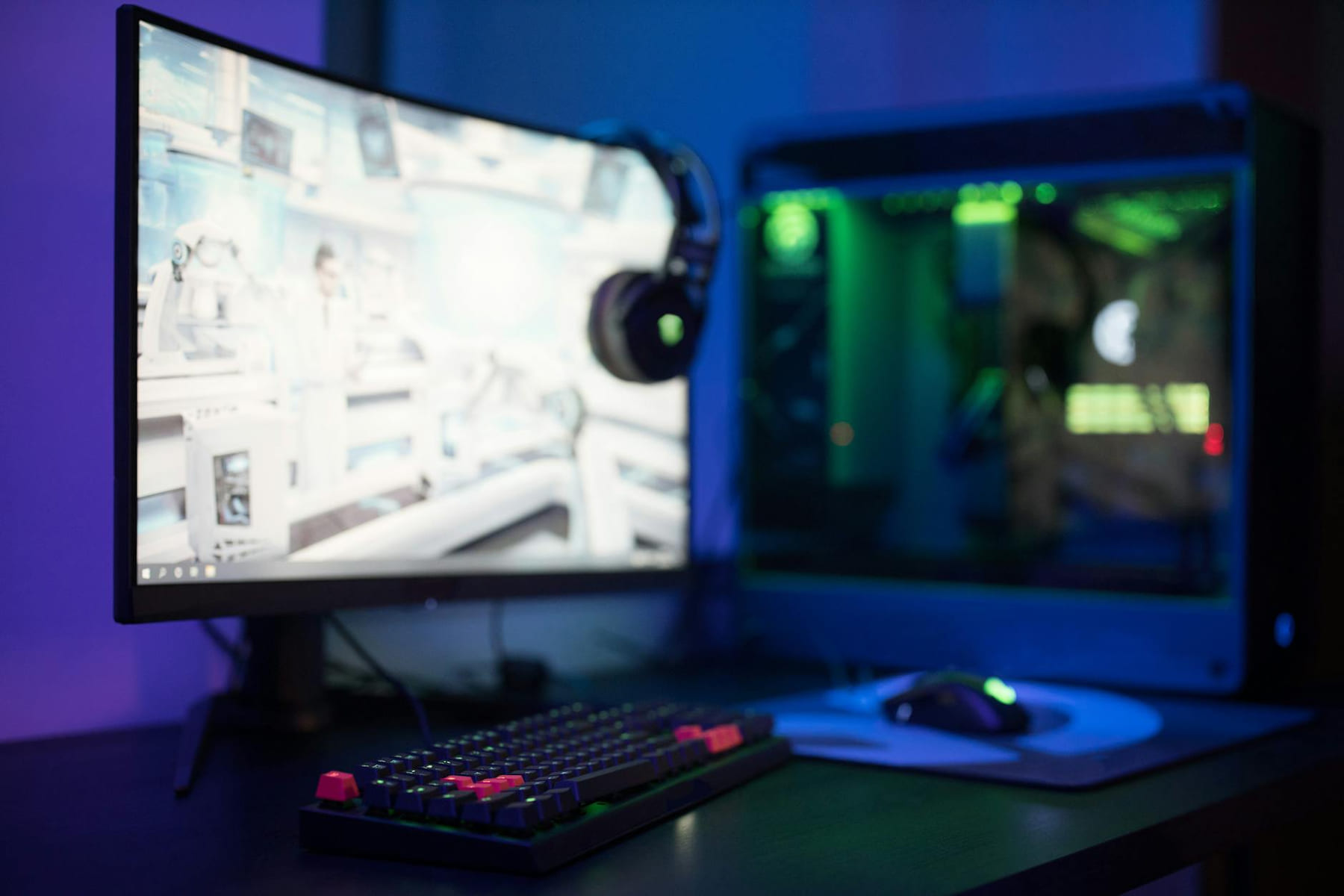
Frame Rate Frustrations? Let’s Fix It
So, you’ve finally done it. You’ve meticulously planned, sourced the best components, and spent countless hours assembling your dream custom PC. The anticipation.
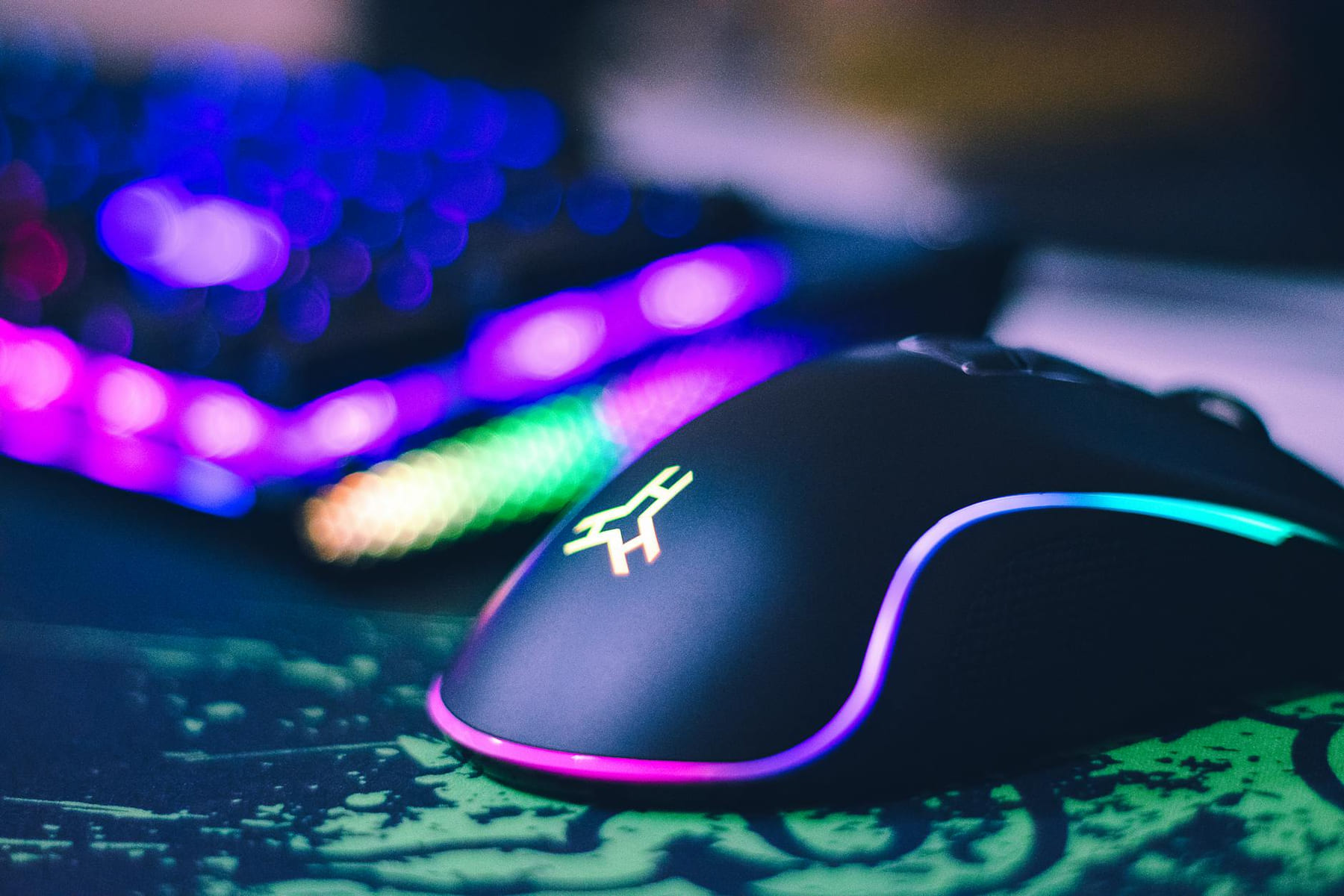
Level Up Your Setup: Gaming Peripherals
make a real difference when they improve comfort, control, and audio clarity. Here is how to think through mice, keyboards, and headsets without getting distr...
Ultrawide Monitor Choices for Smooth Gaming
: ------------------, ----------------, ----------------, ----------------. Contrast: Infinite, Excellent, Very