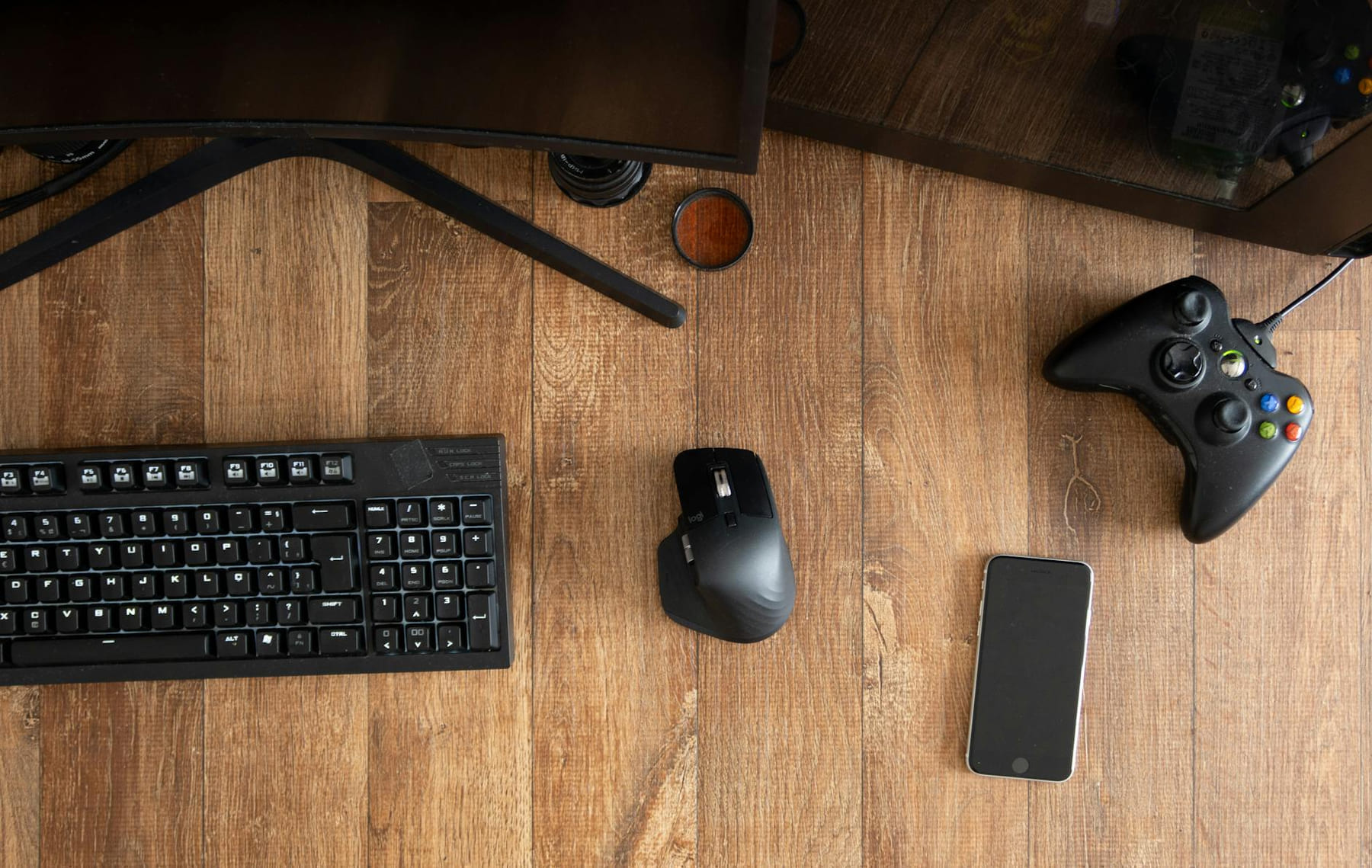
Building or upgrading a PC for gaming can feel overwhelming. There are so many components, specs, and confusing jargon that it’s easy to get lost. But don’t worry, we’re here to break it down. This comprehensive checklist will guide you through every step, ensuring you build (or upgrade) a machine that not only meets your current needs but also has room to grow. We'll cover everything from the absolute essentials to some nice-to-haves, all with a focus on getting the most bang for your buck and, most importantly, a smooth, enjoyable gaming experience. Let's dive in!
Section 1: The Core Components - Foundation First (Gaming Gear Checklist)
These are the absolute must-haves. Without them, you’re not building a PC, you’re building a very expensive paperweight. Let's start with the big three:
1. CPU (Central Processing Unit): The Brains
The CPU is the heart of your PC. It handles all the calculations and processes. For gaming, you want a CPU with a good balance of single-core and multi-core performance. Currently, AMD Ryzen and Intel Core processors are the dominant players. For 1080p gaming, a Ryzen 5 7600X or Intel Core i5-13600K are excellent choices. If you’re aiming for 1440p or 4K, consider a Ryzen 7 7700X or Intel Core i7-13700K. Don't obsess over the highest number; look at benchmarks specific to the games you play.
2. GPU (Graphics Processing Unit): The Visual Powerhouse
The GPU is responsible for rendering all the visuals you see on your screen. It’s the most important component for gaming performance. NVIDIA GeForce RTX 4070 or AMD Radeon RX 7800 XT are solid options for 1080p high refresh rate gaming. For 1440p, the RTX 4070 Ti or RX 7900 XT are better choices. And if you’re chasing 4K, you’ll want to look at the RTX 4080 or RX 7900 XTX. Keep an eye on VRAM (Video RAM) - 8GB is generally the minimum for modern games, with 12GB or more recommended for higher resolutions and texture settings.
3. Motherboard: The Connector
The motherboard is the foundation that everything else connects to. It needs to be compatible with your CPU, RAM, and GPU. Choose a motherboard with enough slots for your needs and consider features like Wi-Fi, USB ports, and audio quality. For Ryzen 7000 series, look for a B650 or X670 chipset motherboard. For Intel 13th gen, a B760 or Z790 chipset will work well. Don’t cheap out here - a good motherboard will provide stability and future upgrade options.
4. RAM (Random Access Memory): Short-Term Memory
RAM is crucial for multitasking and smooth gameplay. 16GB is the absolute minimum for modern gaming, but 32GB is highly recommended, especially if you stream or run other applications in the background. Aim for DDR5 RAM with a speed of at least 5600MHz for the latest Ryzen and Intel platforms. Pay attention to the RAM's latency (CL timing) - lower is better.
5. Storage: Where Your Games Live
You’ll need storage for your operating system, games, and applications. An NVMe SSD (Solid State Drive) is essential for your operating system and frequently played games - it dramatically reduces loading times. A 1TB or 2TB NVMe SSD is a good starting point. Consider adding a larger HDD (Hard Disk Drive) for mass storage of less frequently accessed files. PCIe 4.0 NVMe SSDs offer the best performance currently.
Section 2: Power & Cooling - Keeping Things Running Smoothly
A powerful PC generates a lot of heat. Proper power and cooling are vital to prevent performance throttling and component damage.
6. PSU (Power Supply Unit): Delivering the Juice
Your PSU needs to provide enough power for all your components. Calculate your system's power requirements using an online PSU calculator and then add a buffer of at least 20-30%. A 750W or 850W PSU is generally sufficient for a high-end gaming PC. Look for an 80+ Gold or Platinum certified PSU for efficiency.
7. CPU Cooler: Keeping the CPU Cool
The stock cooler that comes with your CPU might be sufficient for lower-end CPUs, but for higher-end CPUs, an aftermarket cooler is highly recommended. A good air cooler or a liquid cooler (AIO - All-in-One) will keep your CPU running at optimal temperatures. Consider the size of your case when choosing a cooler.
8. Case Fans: Airflow is Key
Proper airflow is essential for keeping all your components cool. Install case fans strategically to create a positive pressure airflow - this helps prevent dust buildup. Aim for at least two intake fans and two exhaust fans.
Section 3: Peripherals & Extras - Leveling Up the Experience
These aren’t strictly necessary for gaming, but they can significantly enhance your experience.
9. Monitor: Seeing is Believing
Choose a monitor with a high refresh rate (144Hz or higher) and low response time for smooth, responsive gameplay. Consider resolution (1080p, 1440p, or 4K) based on your GPU and budget. Adaptive sync technologies like G-Sync (NVIDIA) or FreeSync (AMD) can eliminate screen tearing.
10. Keyboard & Mouse: Precision and Control
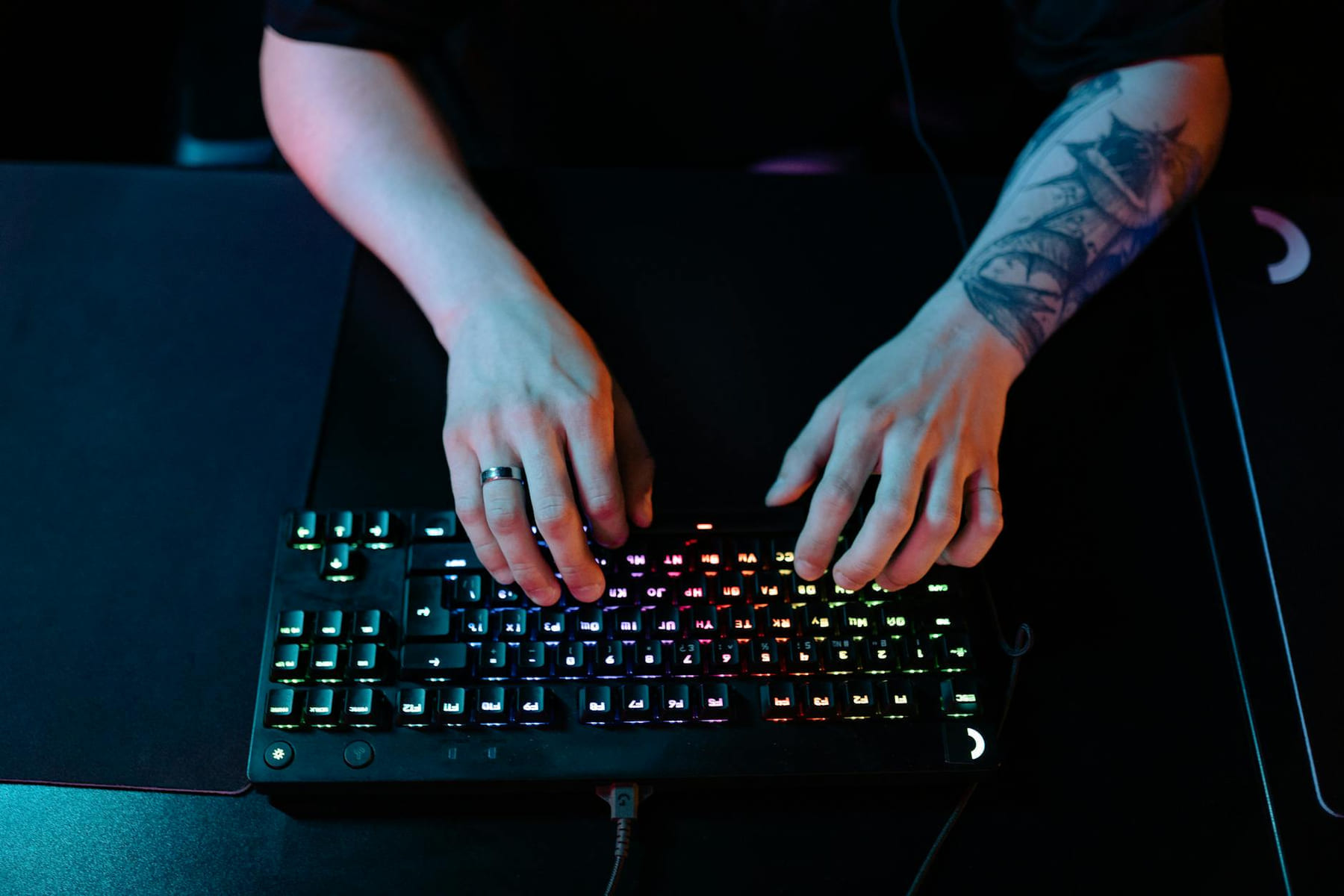
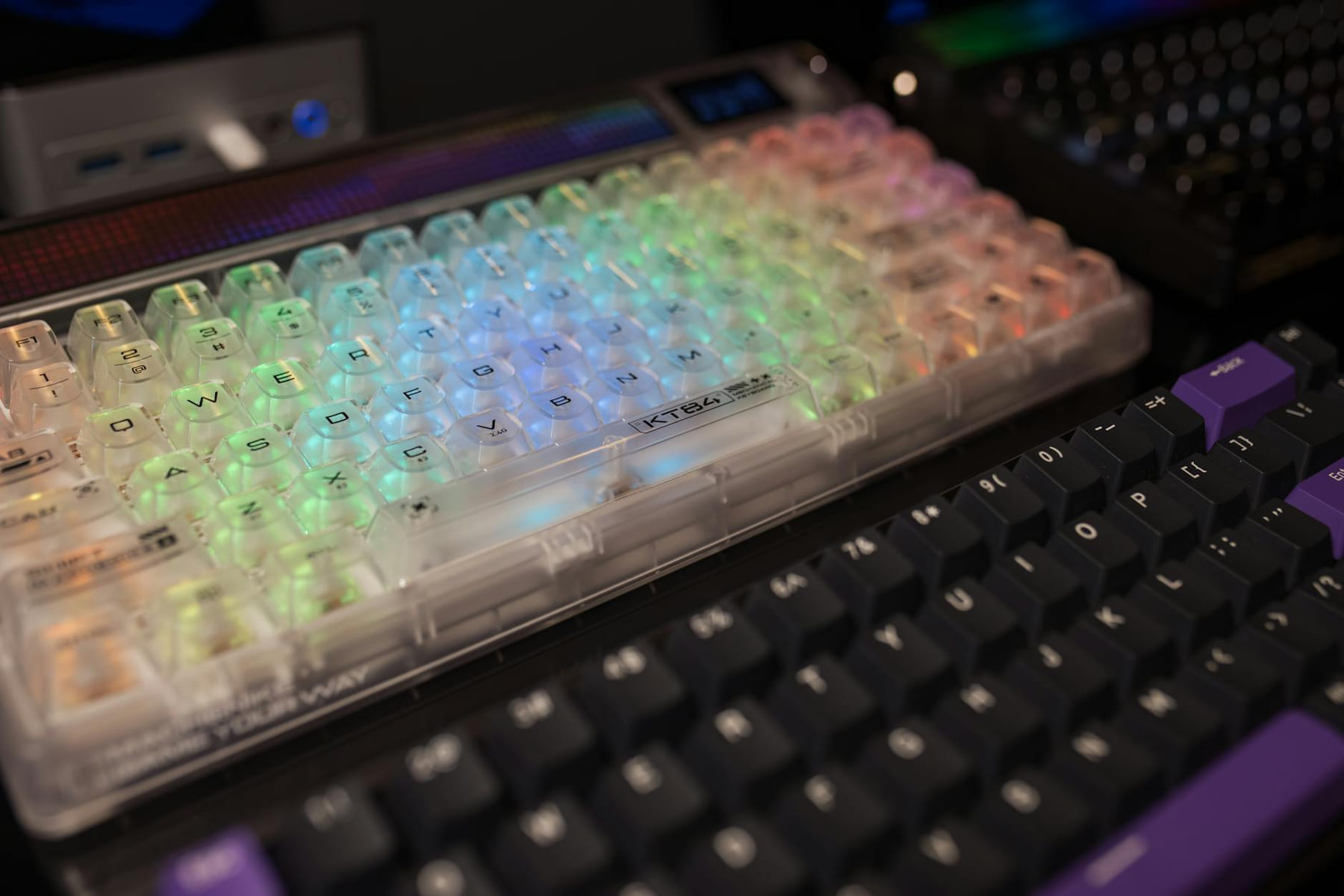
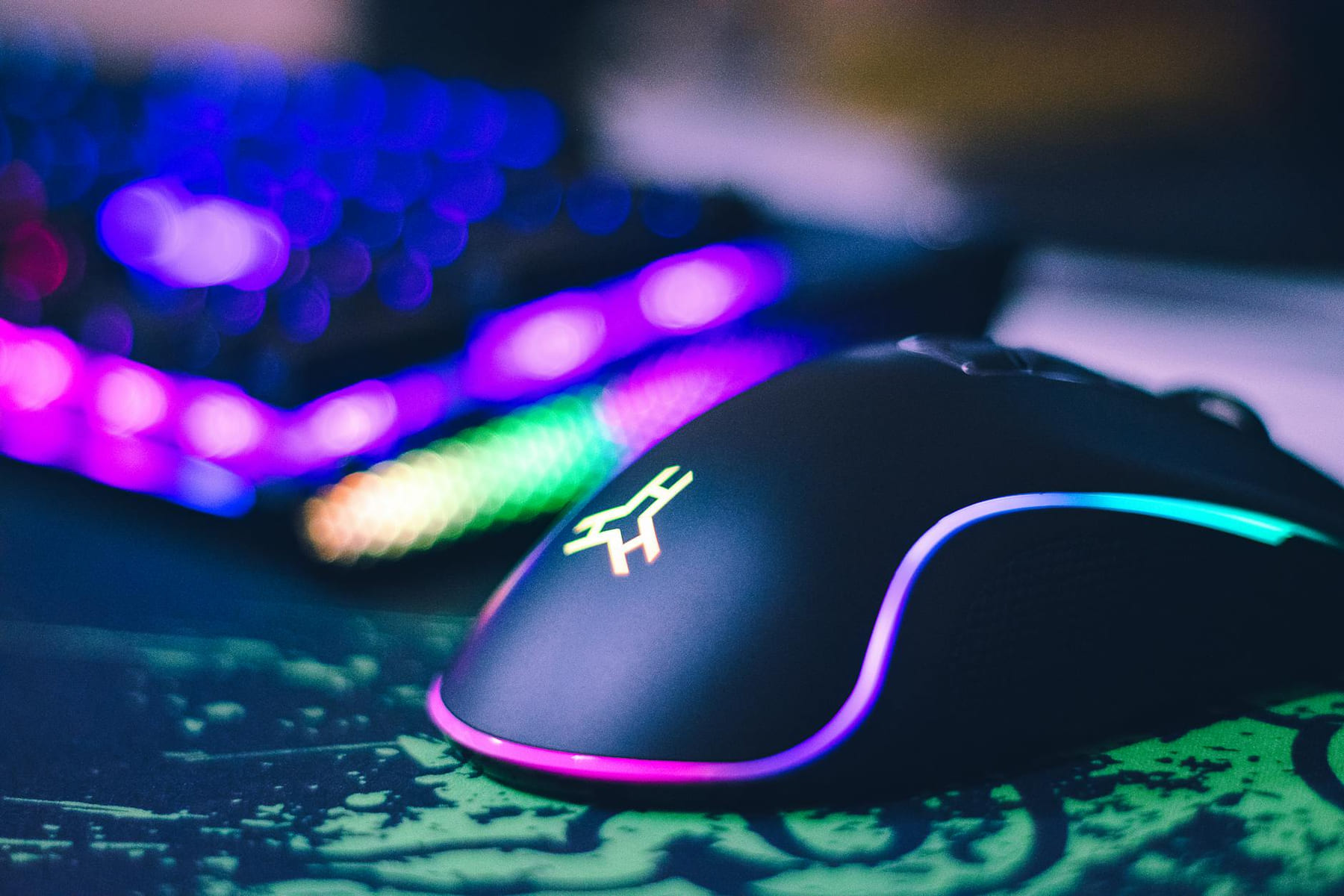
A good mechanical keyboard and gaming mouse can make a big difference in your gaming performance. Choose a keyboard with switches that you find comfortable and a mouse with adjustable DPI and programmable buttons.
11. Headset: Immersive Audio
A quality gaming headset provides immersive audio and clear communication with teammates. Consider features like noise cancellation and surround sound.
12. Operating System: Windows 11
Windows 11 is the current standard operating system for gaming. Ensure your hardware is compatible before purchasing.
Section 4: Budgeting & Prioritization
Building a gaming PC can be expensive. Here’s a rough breakdown of estimated costs (as of March 30, 2026):
- CPU: $200 - $500
- GPU: $400 - $1200
- Motherboard: $150 - $400
- RAM: $80 - $200
- SSD: $80 - $300
- PSU: $100 - $300
- CPU Cooler: $50 - $200
- Case: $70 - $200
- Monitor: $200 - $1000+
Prioritize the GPU and CPU, as they have the biggest impact on gaming performance. Don’t skimp on the PSU and motherboard - these are crucial for stability and future upgrades. Research thoroughly and compare prices before making any purchases.
Building your own PC is a rewarding experience. With this checklist, you'll be well-equipped to create a gaming machine that delivers the performance and visuals you crave.
Keep This Practical
If the goal is smoother gaming, focus on the component or setting that delivers a clear quality-of-life improvement first. The rest of the build gets easier once the biggest friction point is handled.
Tools Worth A Look
These picks are the closest fit if you are trying to improve a setup without wasting money on upgrades you will not actually feel.
- KEMOVE P10 2-in-1 Switch Puller Keycap Puller for Mechanical Keyboard, 304 Stainless Steel Key Switch Keycap PullerFIFINE Gaming USB Microphone for PC PS5, Condenser Mic with Quick Mute, RGB Indicator, Tripod Standsuevery Prebuilt Gaming Desktop Computer 16G Memory 512G SSD Ryzen5 6Cores 3.6G Up to 4.1G 4G Graphics Card WiFi 6 Bundle Gamer Tower Streaming PCATK VXE Dragonfly R1 Wireless Gaming MouseAULA F75 Pro Wireless Mechanical Keyboard
Some of the links on this page are Amazon affiliate links, which means I may earn a small commission if you make a purchase through them. As an Amazon Associate, I earn from qualifying purchases.
Related ReadingMore from Frame Rate Vault
PC Gear Essentials: A Guide
Building a Beast in 2026: Your Guide to the Best PC Hardware and Gaming Gear Building a truly exceptional gaming PC in 2026 requires a bit more than just throwing.
PC Gear Guide: Boost Your Setup
The gaming world is constantly evolving - what feels amazing today can quickly become yesterday’s news. Building or upgrading a PC isn’t just about grabbing.
Level Up Your Setup: Gaming Peripherals
make a real difference when they improve comfort, control, and audio clarity. Here is how to think through mice, keyboards, and headsets without getting distr...