The gaming world is constantly evolving - what feels amazing today can quickly become yesterday’s news. Building or upgrading a PC isn’t just about grabbing the most expensive parts; it’s about finding the right combination to create a gaming experience you’ll truly enjoy. That’s why we’ve put together this post, designed to help you make smart choices, whether you’re just starting out or looking to squeeze every last frame out of your system. Let’s focus on what’s genuinely worth investing in right now in 2026. This isn’t a list of “best” products in a vacuum. It’s about understanding how each component works, what it does, and how they all fit together to create a powerful and enjoyable gaming rig. We’ll break things down into three categories: Budget, Mid-Range, and High-End, with estimated price ranges to give you a realistic idea of what to expect. Let’s dive in.
CPU - The Brains of the Operation (Gear Guide)
At the heart of any gaming PC is the CPU. In 2026, AMD Ryzen 9 9900X and 9950X models continue to be popular choices for high-end builds, offering fantastic multi-core performance - a real advantage when you’re streaming, recording, or running other programs alongside your games. Intel’s Core i9-14900K remains a strong competitor, often delivering slightly higher frame rates in single-threaded games, though it can be a bit more demanding to keep cool. The difference often comes down to this: the Ryzen 9 9900X/9950X shine when you’re multitasking - juggling streaming, recording, and background software. The 14900K frequently offers a bit more raw gaming power. but the gap is shrinking, and both are genuinely top-tier options. It’s really important to make sure your CPU is compatible with the right motherboard. AMD uses the AM5 socket, while Intel uses LGA 1700. Don’t just look at the CPU itself; check the motherboard chipset too. It dictates things like the number of available ports and how fast your graphics card can communicate. Budget (Under $350): You’ll likely be looking at a Ryzen 5 7600X or Intel Core i5-13600K. These will handle 1080p gaming with ease and provide a solid foundation for your system. Mid-Range ($400 - $700): A Ryzen 7 9700X or Intel Core i7-14700K will unlock smoother gameplay at 1440p and let you experiment with ray tracing. High-End ($800+): The Ryzen 9 9900X/9950X or Intel Core i9-14900K are the top performers, offering the best possible experience for demanding games and content creation.
GPU - Visual Powerhouse
Let’s be honest, the graphics card is often the biggest factor in how a game looks. In 2026, Nvidia’s RTX 5090 is still the reigning champion, delivering incredible performance at 4K resolution and pushing ray tracing to new levels. AMD’s Radeon RX 7900 XTX remains a strong contender, especially for 1440p gaming, and offers excellent value for the performance you get. At 1080p, pretty much any modern GPU will run everything on ultra settings. But as you increase the resolution, the RTX 5090’s advantage becomes more and more apparent. Ray tracing, which simulates realistic lighting and reflections, is significantly more demanding, and the 5090 handles it with remarkable smoothness. And then there’s DLSS (Nvidia) and FSR (AMD), upscaling technologies that can boost performance without sacrificing too much visual quality. They’re not magic, but they make a huge difference. Budget (Under $600): An AMD Radeon RX 7800 XT or Nvidia RTX 4070 will give you a fantastic 1440p experience. Mid-Range ($700 - $1200): An Nvidia RTX 5080 or AMD Radeon RX 7900 XT will deliver superb 4K gaming and excellent ray tracing capabilities. High-End ($1300+): The Nvidia RTX 5090 is the ultimate choice for the highest visual settings and frame rates at 4K.
Core Components - Memory, Storage, Motherboard, PSU, Cooling
Now, let’s look beyond the CPU and GPU. These supporting components are just as important. * RAM: 32GB of DDR5 RAM is the sweet spot for 2026 gaming. Speeds of 6000MHz or higher are beneficial, but make sure your motherboard supports them. Bottlenecks can happen if your RAM isn’t fast enough for your CPU.
- Storage: SSDs are essential for fast boot times and game loading. NVMe SSDs, which plug directly into the PCIe slot, are significantly faster than traditional SATA SSDs. Consider at least 1TB for your operating system and frequently played games, and 2TB or more for the rest. RAID configurations can offer redundancy and increased performance, but they add complexity.
- Motherboard: Choose a chipset that supports your CPU and the features you need. PCIe 5.0 is now standard, ensuring future-proofing for graphics cards and NVMe SSDs. VRM (Voltage Regulator Module) quality is crucial for stable power delivery, especially with high-end CPUs.
- PSU: Don’t skimp on the power supply! Calculate your system’s power draw and add a little extra headroom. 80+ Gold or Platinum certification indicates efficiency. Modular PSUs make cable management much easier.
- CPU Cooler: High-end CPUs generate a lot of heat. A good quality air cooler or an AIO (All-in-One) liquid cooler is recommended.
Peripherals & Monitor - The Experience
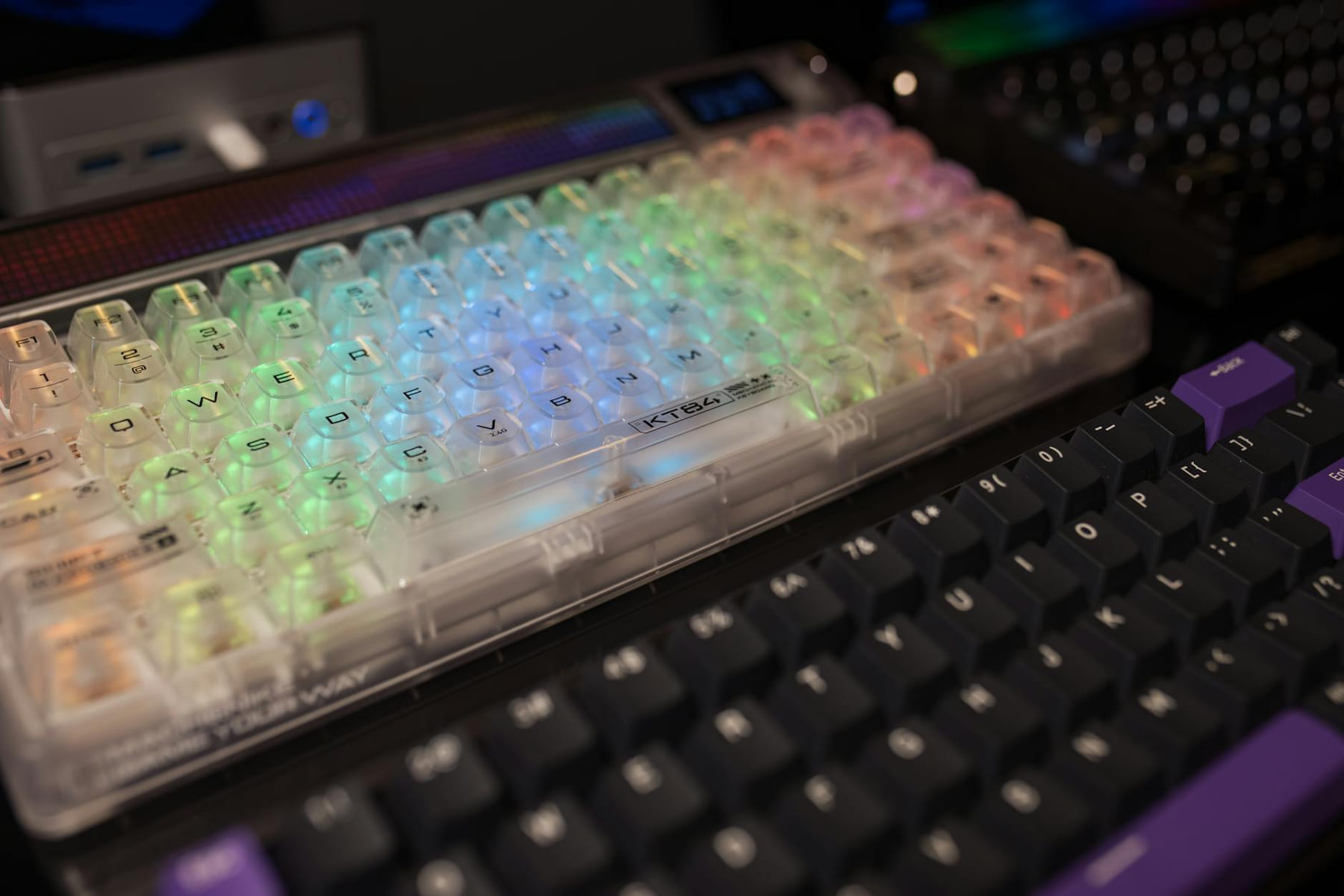
A powerful PC is only half the story. You’ll also need good peripherals and a decent monitor. A comfortable gaming mouse with adjustable DPI is a must. Mechanical keyboards offer a satisfying feel, and a good gaming headset will really immerse you in the game. Haptic feedback is becoming more common, adding another layer of immersion. with monitors, consider your resolution and refresh rate goals. OLED and Mini-LED monitors offer incredible contrast and color accuracy, but they’re more expensive. IPS panels provide wider viewing angles and better color reproduction, while TN panels are known for their fast response times. A 1440p monitor with a 144Hz or higher refresh rate is a solid choice for most gamers.
Budget Breakdown & 2026 Trends
Let’s look at some rough estimates: * Budget Build (1080p Gaming): $800 - $1200
- Mid-Range Build (1440p Gaming): $1500 - $2500
- High-End Build (4K Gaming): $3000+ Looking ahead, 2026 will see the continued rollout of PCIe 6.0, promising even faster data transfer speeds. Advanced cooling solutions, like vapor chambers and more efficient liquid coolers, will become more common. And we’ll likely see further advancements in GPU technology, potentially with architectural improvements and increased memory bandwidth. ---
Keep This Practical
PC upgrades pay off most when they fix the bottleneck you actually feel in play. Start with the part that improves performance, cooling, or comfort in the way you notice every session.
Tools Worth A Look
If the article helped you narrow the hardware decision, the recommendations below are the most relevant next step.
- STGAubron Gaming PC Desktop, Intel Core i7 up to 3.9G, Radeon RX 580 8G, 16GB RAM, 512GB SSD, WiFi 6, BT 5.0, RGB Fan x 4, Windows 11 HomeSANSUI 32 Inch Curved 240Hz Gaming Monitor High Refresh Rate, FHD 1080P Gaming PC Monitor HDMI DP1.4, Curved 1500R, 1Ms MPRT, HDR,Metal Stand,VESA CompatibleLogitech G923 Racing Wheel and Pedals, TRUEFORCE up to 1000 Hz Force Feedback, Gaming Steering Wheel PS5, PS4, PC, Mac, Genuine Leather- BlackMarada Modular Flight Racing Simulator Cockpit, Both the Flight Sim Cockpit and The Racing Sim Cockpit, Fit for Logitech,for ThrustmasterSTGAubron Prebuilt Gaming PC Desktop, Radeon RX 550 4G, Intel Core i5 up to 3.6GHz, 16G RAM, 512G SSD, WiFi 6, BT 5.0, RGB Fan x2, Windows 11 Home
Some of the links on this page are Amazon affiliate links, which means I may earn a small commission if you make a purchase through them. As an Amazon Associate, I earn from qualifying purchases.
Related ReadingMore from Frame Rate Vault
PC Gear Essentials: A Guide
Building a Beast in 2026: Your Guide to the Best PC Hardware and Gaming Gear Building a truly exceptional gaming PC in 2026 requires a bit more than just throwing.
PC Gaming Gear Checklist: Ready Your Setup
Building or upgrading a PC for gaming can feel overwhelming. There are so many components, specs, and confusing jargon that it’s easy to get lost. But don’t worry.
Level Up Your Setup: Gaming Peripherals
make a real difference when they improve comfort, control, and audio clarity. Here is how to think through mice, keyboards, and headsets without getting distr...