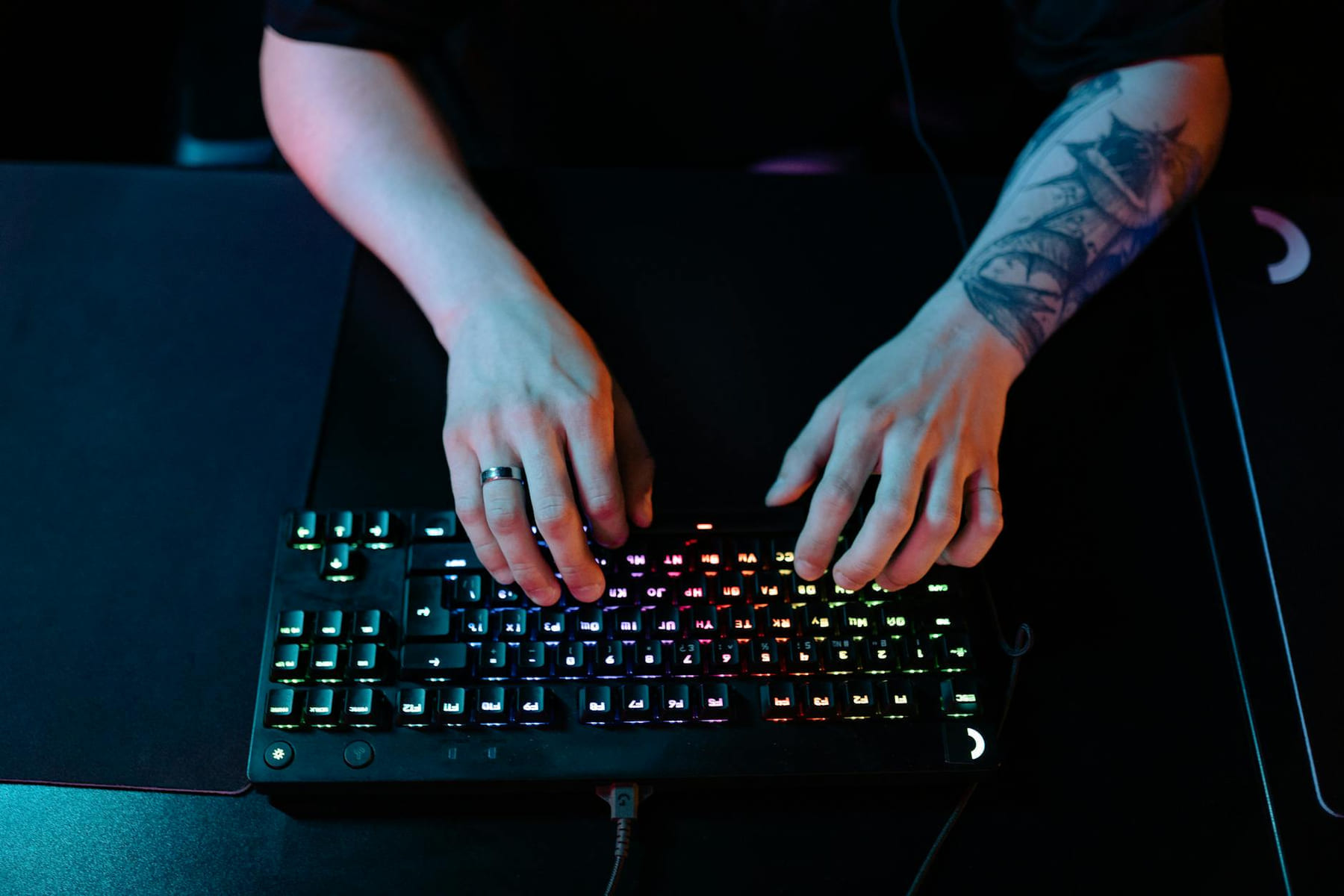
Building a Beast in 2026: Your Guide to the Best PC Hardware and Gaming Gear Building a truly exceptional gaming PC in 2026 requires a bit more than just throwing the most expensive parts together. The tech has advanced so much lately - processing power, graphics, storage - it can feel a little overwhelming. this post aims to cut through the confusion and offer a curated selection of the best PC hardware and gaming gear, broken down by what you’re hoping to achieve and your budget. Whether you're chasing ultra-high frame rates in the latest games or diving into competitive esports, we’ll help you build a system that delivers. Let’s take a look at what’s important.
CPU - The Brains of the Operation
Let’s start with the heart of your system: the CPU. In 2026, the AMD Ryzen 9 9900X and 9900, and the Intel Core i9-14900K and KF are still the top contenders for high-end builds. The 9900X and 9900 are fantastic if you’re streaming, editing video, or tackling demanding games - they’re built for serious multi-core performance. The 14900K and KF, on the other hand, are still the go-to for raw gaming horsepower, especially when paired with a powerful graphics card. You’ll often find the “KF” version - lacking integrated graphics - is a little cheaper and can offer a slight performance boost if you’re already planning on a dedicated GPU. For those looking for something a bit more budget-friendly, the AMD Ryzen 7 7700X and Intel Core i7-14700K provide a significant step up from older generations without emptying your wallet. They’re more than capable of handling most modern games at high settings. Don’t discount integrated graphics entirely either; newer CPUs like the Ryzen 7 7735HX and Intel Core i5-13600T offer surprisingly decent performance for lighter gaming or just getting your system up and running.
GPU - Visual Powerhouse
Moving on to the graphics card, the competition between NVIDIA and AMD is still going strong. NVIDIA’s GeForce RTX 5000 Series continues to hold the performance crown, particularly with ray tracing. The RTX 5090 is, without a doubt, the fastest consumer card available, delivering stunning visuals and consistently high frame rates, even at 4K resolution. DLSS 3.0 remains a game-changer, boosting performance with AI-powered upscaling - it’s not a perfect replacement for raw power, but it’s incredibly effective. AMD’s Radeon RX 7000 series is steadily closing the gap. The RX 7900 XTX offers exceptional value for money, often trading blows with the RTX 5090 in many titles. AMD’s FidelityFX Super Resolution (FSR) is a solid alternative to DLSS, though it doesn’t always deliver the same level of visual quality. Let’s talk about resolution and settings. At 1080p, you can generally max out almost every game with a high-end GPU. Moving to 1440p, you’ll likely need to tweak your settings to maintain a smooth frame rate, but you’ll still be rewarded with a gorgeous image. 4K gaming is the ultimate goal, but it demands a serious investment in both the GPU and CPU.
Core Components - Motherboard, RAM, Storage
Now, let’s look at the supporting pieces. The motherboard chipset plays a big role in determining compatibility and features. For AMD, the X790 and B750 chipsets are currently the best choices, offering a good balance of features and performance. Intel’s Z790 and B760 chipsets are similarly well-rounded. The difference between them often comes down to things like PCIe lane availability and how easily you can overclock - unless you're a serious enthusiast, the B-series chipsets usually provide everything you need. RAM is crucial for smooth gaming. DDR5 is the standard now, and 32GB is a sweet spot for most gamers in 2026. Speeds above 6000MHz are increasingly beneficial, especially on AMD systems. Don’t automatically assume faster is always better; make sure your motherboard supports the speed you’re buying. Storage is where NVMe SSDs really shine. PCIe 4.0 SSDs are still excellent for your operating system and frequently played games, while PCIe 5.0 SSDs offer even faster load times for the newest titles. 1TB is a reasonable starting point, but 2TB or larger is recommended if you’ve got a big game library.
Cooling & Case - Keeping it Cool and Looking Good
A powerful PC generates a lot of heat. Choosing the right cooling solution is essential. Air coolers are still a viable option, especially for mid-range CPUs. AIO (All-In-One) liquid coolers offer better cooling and a cleaner look. For high-end CPUs and overclocking, custom liquid cooling loops provide the ultimate in thermal performance, but they’re more complex and expensive. Case airflow is just as important as the cooler itself. Make sure your case has good intake and exhaust fans to keep the air circulating properly. There's a huge variety of cases available, from compact Mini-ITX builds to massive full-tower behemoths. Consider your needs and your aesthetic preferences when choosing a case - plenty of options offer excellent cable management and airflow features.
Peripherals & Emerging Tech
Let’s not forget the essentials: your monitor, keyboard, mouse, and headset. For gaming, a high refresh rate (144Hz or higher) and low response time (1ms) monitor is a must. Resolution is a personal choice, but 1440p offers a great balance between visual quality and performance. Ergonomics are important with keyboards and mice. Spend some time experimenting to find what feels most comfortable for you. High-quality headsets provide immersive audio and clear communication. Finally, keep an eye on emerging technologies. OLED monitors are starting to appear, offering incredible contrast and color accuracy. Wi-Fi 7 is becoming more common, providing significantly faster wireless speeds. And who knows what hardware advancements are just around the corner?
Pick the easiest win first
Most people get better results with PC Gear Essentials: A Guide when they narrow the decision to one real problem. That could be saving time, trimming cost, reducing friction, or making the routine easier to keep up.
This usually gets easier once you make a short list of priorities. A tighter list tends to produce better decisions than trying to solve every possible problem at once.
Another useful filter is asking what you would still recommend if the budget got tighter, the schedule got busier, or the setup had to be easier for someone else to manage. The answers to that question usually reveal which advice is durable and which advice only works under ideal conditions.
The tradeoff most people notice late
One common mistake with PC Gear Essentials: A Guide is expecting every option to solve the whole problem. In reality, some choices are better for convenience, some for reliability, and some simply for keeping the budget under control.
Before spending more, it is worth checking the setup, upkeep, and learning curve. Small hassles matter here because they are usually what decide whether something stays useful or gets ignored.
It is easy to underestimate how much clarity comes from removing one unnecessary layer. In practice, trimming one complication often does more for PC Gear Essentials: A Guide than adding one more feature, one more product, or one more clever workaround.
Conclusion
Keep This Practical
If the goal is smoother gaming, focus on the component or setting that delivers a clear quality-of-life improvement first. The rest of the build gets easier once the biggest friction point is handled.
Tools Worth A Look
These picks are the closest fit if you are trying to improve a setup without wasting money on upgrades you will not actually feel.
- GEARit Cat 6 Ethernet Cable PackLogitech G920 Driving Force Racing Wheel and Floor Pedals, Real Force Feedback, Stainless Steel Paddle Shifters, Leather Steering Wheel Cover for Xbox Series XS, Xbox One, PC, MacRazer BlackShark V3 X HyperSpeed Wireless Gaming Headset for PCEndxedo Gear Shifter Clip L Shape Lever Mounting Bracket for Logitech G29/G25/G27/G920 forThrustmaster T300RS/GT Simulation Racing GameCNRAQR PC USB Simulator Shifter 7+R H Gear Shifter with L Shape Clamp Set for Gear shift PC Windows Steering Compatible with G29/G27/G25, T300RS/GT Wheel
Some of the links on this page are Amazon affiliate links, which means I may earn a small commission if you make a purchase through them. As an Amazon Associate, I earn from qualifying purchases.
Related ReadingMore from Frame Rate Vault
PC Gear Guide: Boost Your Setup
The gaming world is constantly evolving - what feels amazing today can quickly become yesterday’s news. Building or upgrading a PC isn’t just about grabbing.
PC Gaming Gear Checklist: Ready Your Setup
Building or upgrading a PC for gaming can feel overwhelming. There are so many components, specs, and confusing jargon that it’s easy to get lost. But don’t worry.
Level Up Your Setup: Gaming Peripherals
make a real difference when they improve comfort, control, and audio clarity. Here is how to think through mice, keyboards, and headsets without getting distr...